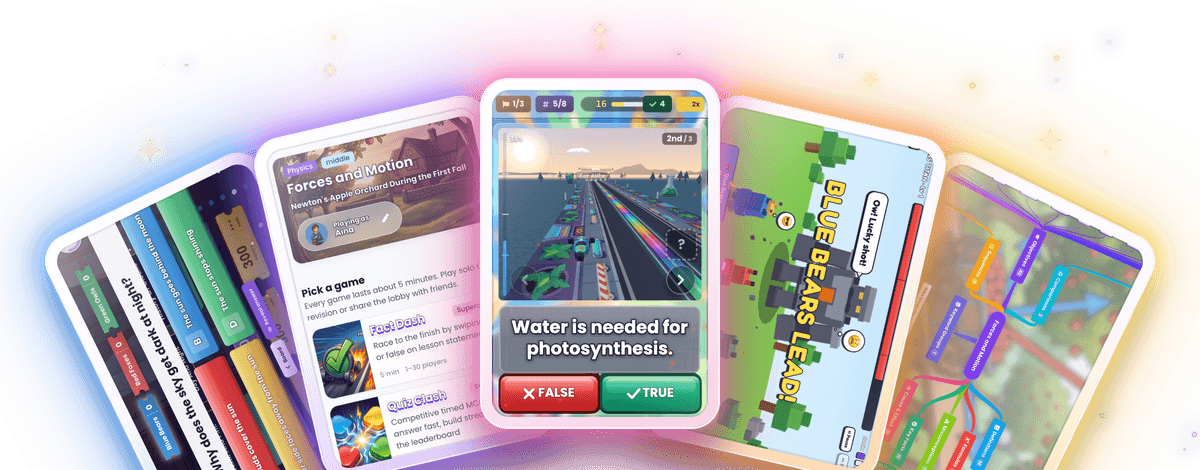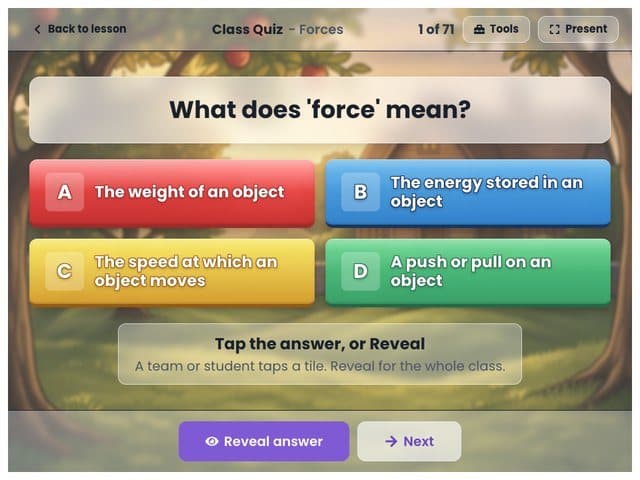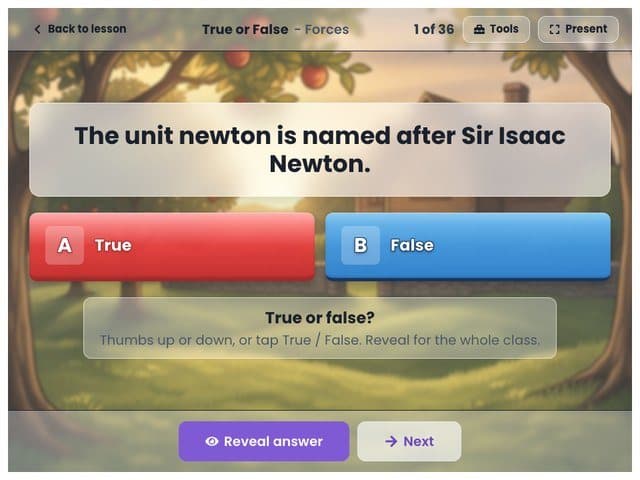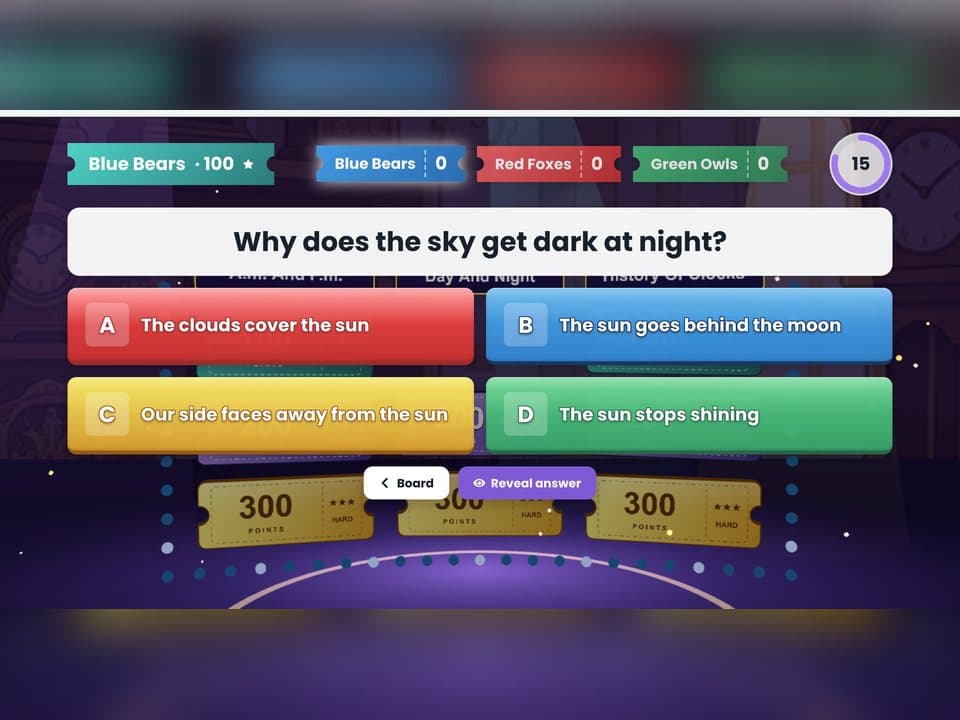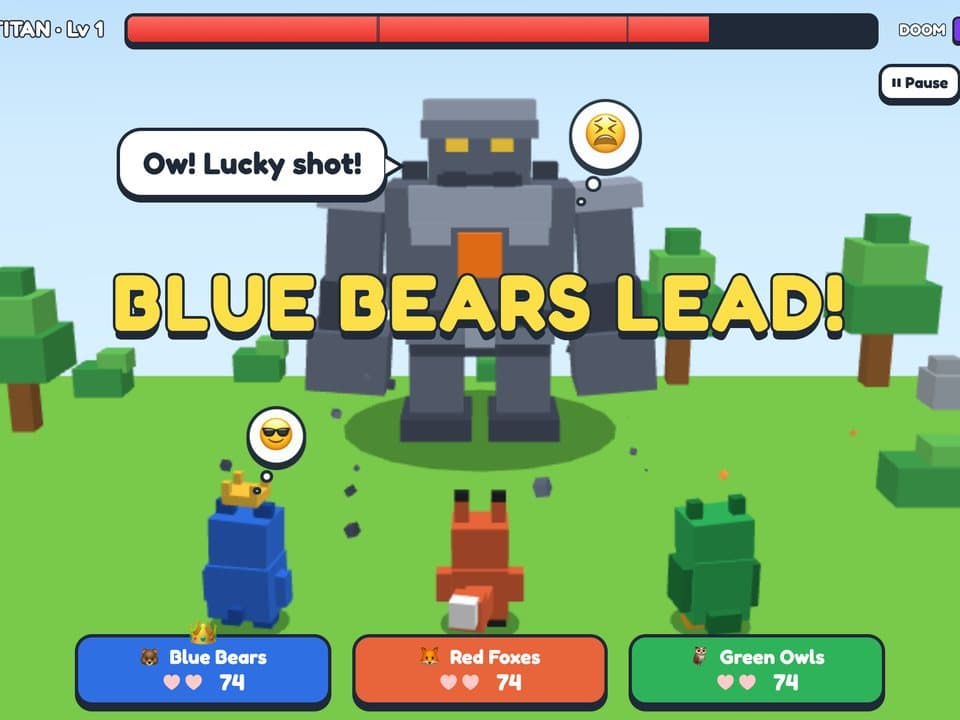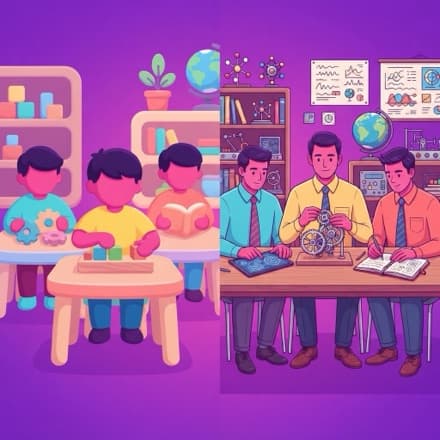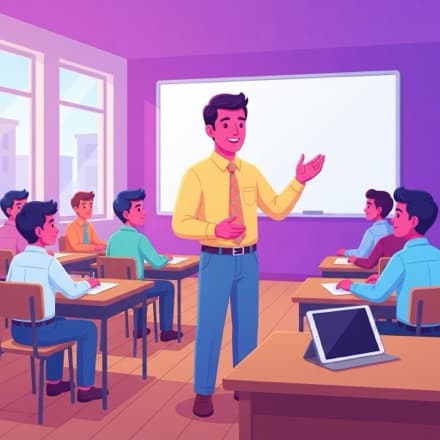
A teacher's extra pair of hands.
AI powers, without the endless prompting, reviewing, and fixing. Everything Downtime makes is built from the lesson you actually taught, so it reads as proof you did the work, multiplied.
No card needed - your first 5 classes are free.
What Downtime unlocks
The teaching you would do if you had the time. None of it adds to your workload.
Every Student Works At Their Level

Differentiating for a whole class by hand is not realistic, so it mostly does not happen. Downtime does it: each student can get practice at their level, and you decide how far it pushes.
Higher-Order Thinking Questions

Most auto-made questions just test memory. These make students reason: compare things, follow cause and effect, catch the mistake. That is the HOTS your exams ask for, and the hardest part to write yourself.
The Lesson Looks Like The Subject

Teach the ocean and the class is inside a reef. It is not for show. Being inside the subject is what makes it stick, and it stays that way the whole lesson.
No Prep, No Marking

All of it builds from your live lesson while you teach. Nothing to prepare tonight, nothing to grade at 11pm. Honestly, this is the part most teachers sign up for.
Launch A Game Mid-Lesson

When the energy drops, start a game built from what you just taught. It works because it is their actual lesson, not a generic quiz.
It All Works On Paper Too

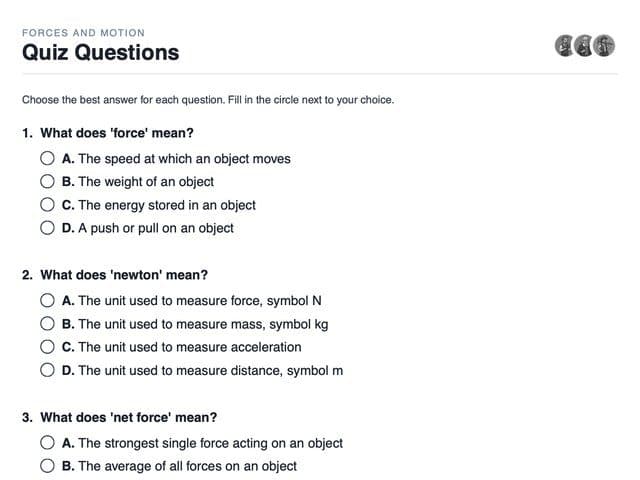
Every lesson also prints: a blank student copy and a teacher copy with the answers. For the room with no devices, or the day the wifi is down. Everyone still takes part.
What you don't have to do
The AI babysitting other tools quietly hand back to you: the prompting, the fixing, the endless reviewing. With Downtime, you do none of it.
No Prompting
No prompt engineering, no rewording the same request five times to get something usable. You teach the lesson. That is the whole input.
No Hallucinations
AI will confidently make things up, and a made-up fact has no place in a classroom. Downtime builds only from what you actually taught, so there is nothing to fact-check.
No Uploading Files
No PDF, no slides, no spreadsheet, no document to export and upload first. You teach the lesson and it is already there.
No Reviewing Every Question
Making questions is easy now. Checking that all forty are correct and actually fit your class is the part that still eats your evening. These come straight from your lesson, so there is nothing to sit and audit.
No Changing How You Teach
No new method to learn, no script to follow. Teach exactly the way you do now. It works around your lesson, not the other way round.
No Accounts To Set Up
No student logins to create, reset, or chase. Students join with a first name and a link. Nothing to manage, and nothing about them is stored.
All it asks of you is the lesson you were already going to give.
Press one thing. Teach like always. The rest fills in as you go.
Press Start

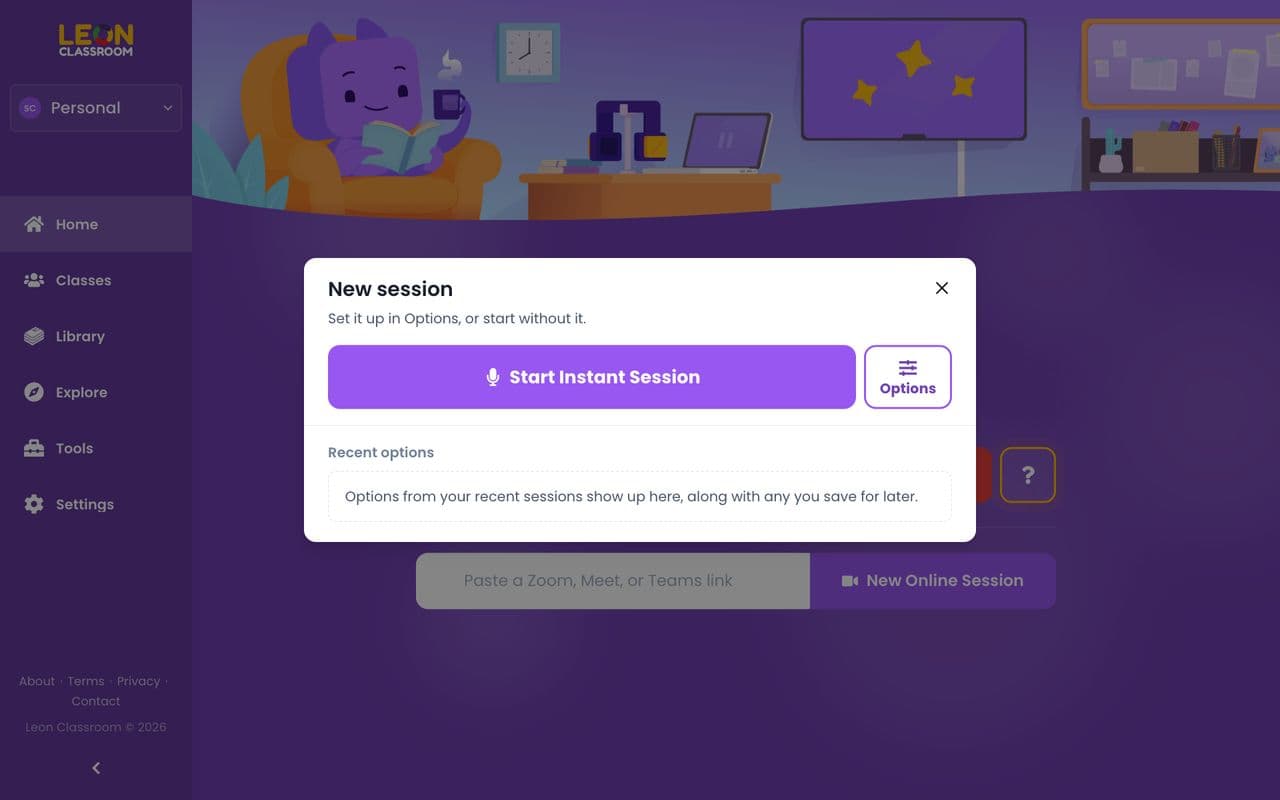
In the room, or paste your Zoom, Meet, or Teams link if class is online. Then the phone goes in your pocket - from here it's just a microphone.
Teach As Usual

Skippy listens and works only from what you actually say, never a pre-made list. Nothing for students to install, nothing to sign in to.
It Builds Live

While you talk, the room turns into your subject. Notes, a mind map, practice, and games all build with it. Launch any of them mid-lesson - yours to keep after the lesson.
It really is that simple.
Try it freeChoose, or be displaced.
Schools are going to adopt AI tools. That part is settled. What is not settled is what those tools do to the teacher.
It replaces you
The tool takes over the lesson. Students stare at an app all day. You get demoted to a ‘guide’ who keeps the room quiet while the software does the teaching.
It empowers you
The tool builds around your lesson, not instead of it. Students get pulled into the subject, not into a screen. You teach, and your name is on all of it.
We built Downtime for the second one. This is where teaching is going. Make the right choice.
Start free
First 5 classes free. No card.
This is not fear-mongering. It is already underway, and from what we see up close, it only grows if teachers let it.
It'll feel oddly familiar.
You used folders and a web browser to get here. That is all it takes - everything works the way you already expect, it just does far more.
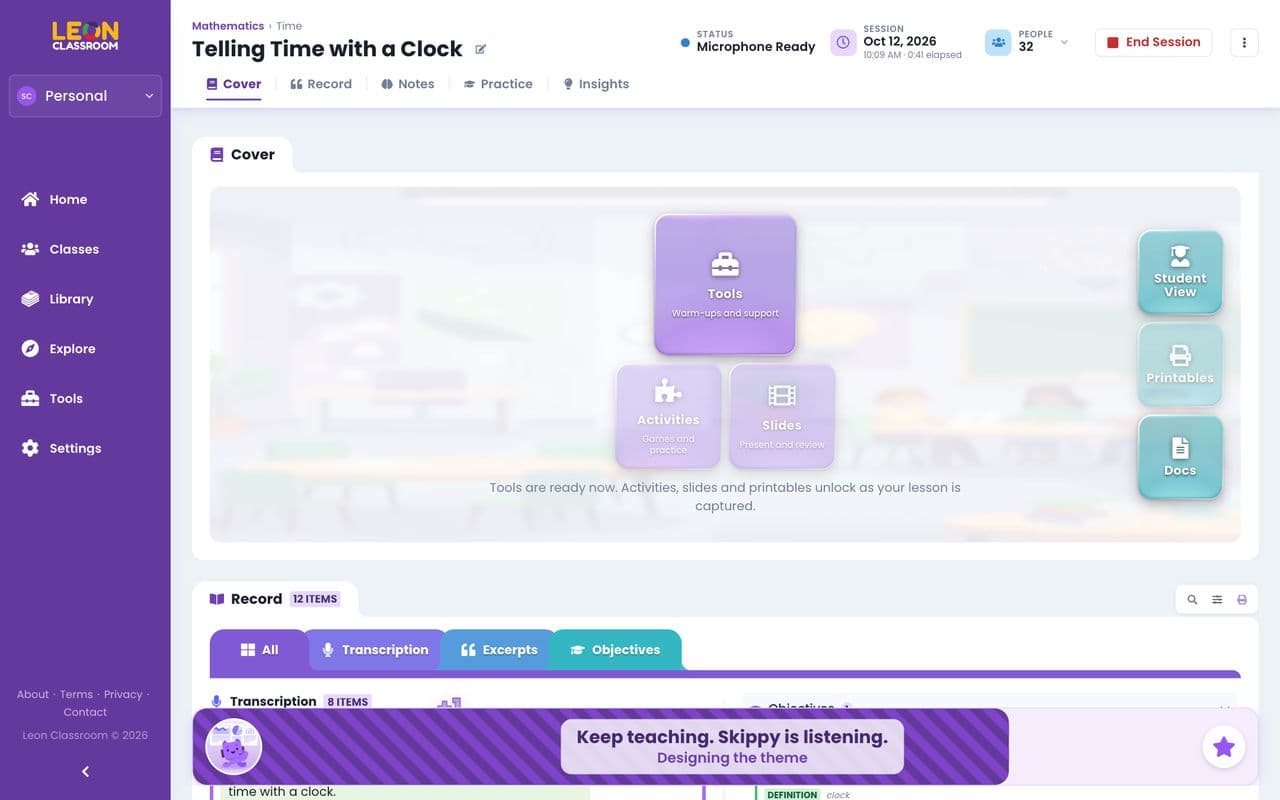
Screenshot
The session page - folder tabs across the top, one click to notes, games, printables, or tools.
Tabs, Like Your Folders
Everything sits behind tabs - the same folders you already use, only smarter.
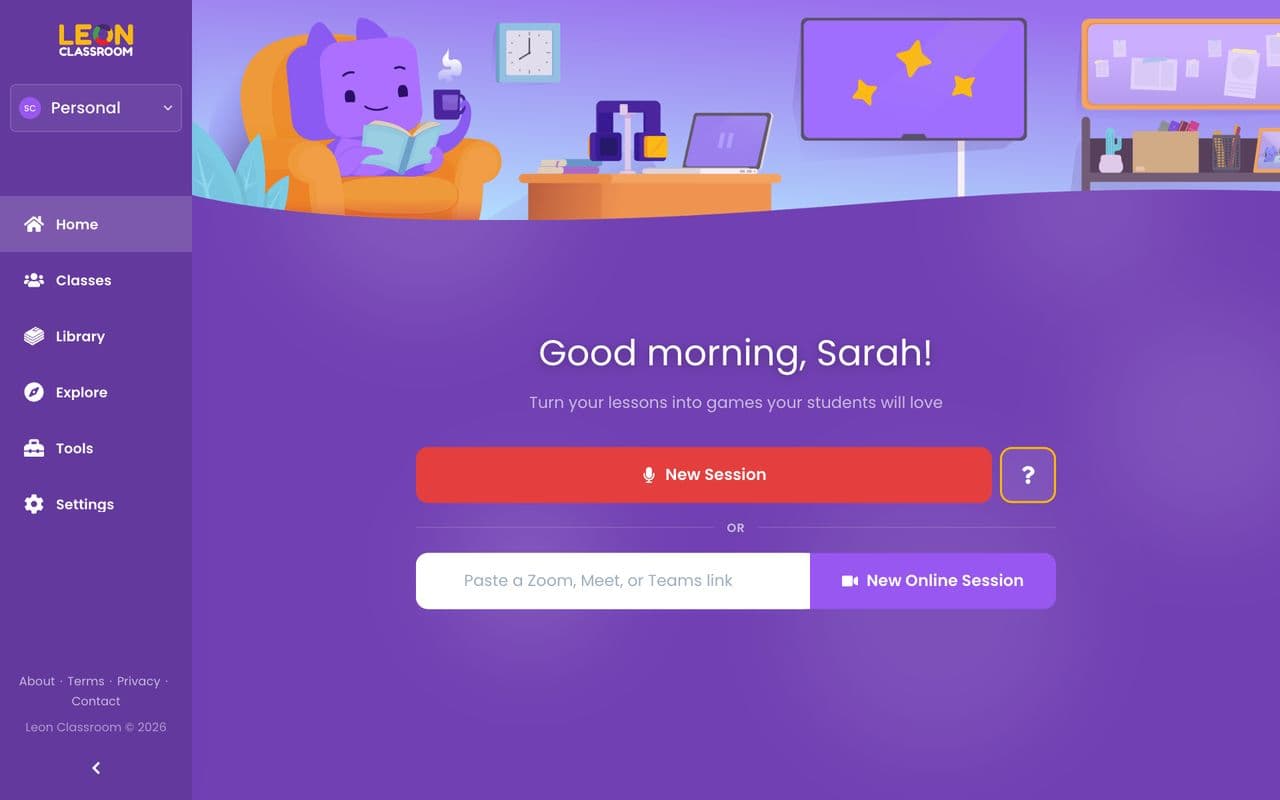
Screenshot
A clean home screen - your classes and materials, with nothing cluttered.
A Dashboard Kept Simple
One clear screen. What you need is where you would expect it, nothing buried.
Just Right
Not so simplified it frustrates you, not so complicated you cannot find what you need. Feels like Goldilocks.
It Is Only A Web Page
No app to install, for you or your students. If you can open a browser, you can run the whole thing.
Works On Any Screen
Phone, tablet, or laptop - the same for you and your students.
The most beautiful, easy-to-use, and fun ed-tech app you have ever had to deal with. (Probably.)
It doesn't look like an app. It looks like the subject.
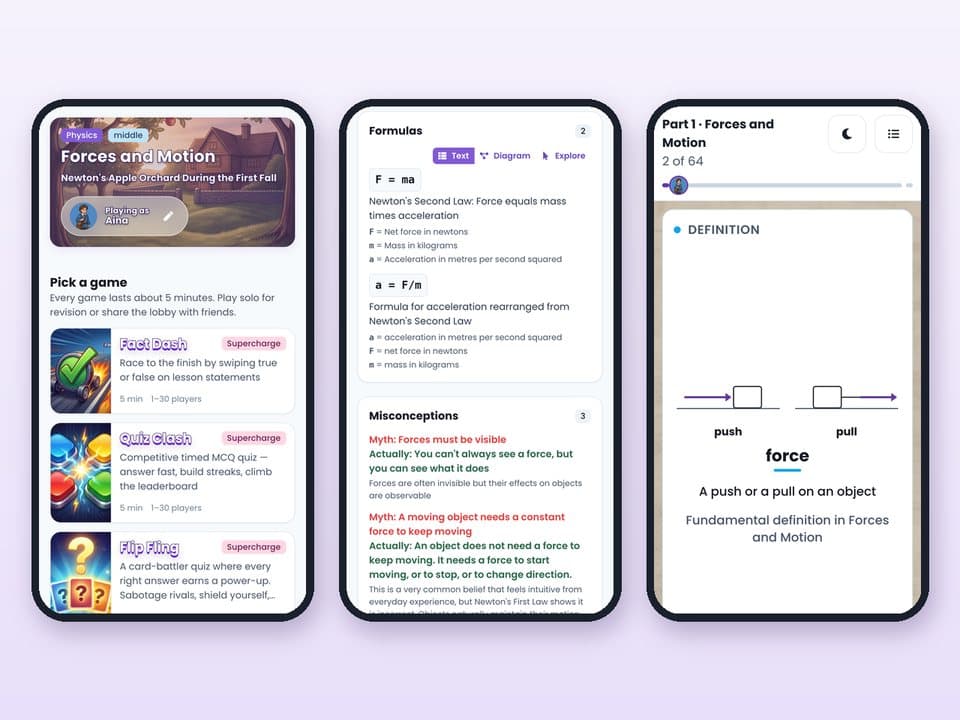
Every lesson turns into its own world, with art drawn fresh for that class - so students feel like they are inside the subject, which is what makes it stick.
Each world is a full set - a background, a dozen characters, vehicles, cards, tower blocks, and props, every piece unique to the lesson.
Built While You Teach

Live, from what you actually say, and it costs you nothing to make.
Yours To Keep After Class

Students step back into the same world's games and practice at home, in their free time.
Fits The Age You Teach

Playful and simple for the youngest, more grown-up for senior classes.
Classroom-Safe By Default

Modest, respectful on sensitive topics, and famous characters turned into look-alikes.
Every student works at their own level.
The room stays one class. Underneath, each student can get the work that fits them - always your choice, never automatic.
Their Level, Your Choice

The same set for the whole class, a mix, or a version for each student. Points or not. You decide. What used to mean a lot of extra prep is now one toggle.
A Map For Each Student

For each student, it builds a map of what they know well and what they are still missing - so you can see where everyone is, any time.
A Clear View Of The Whole Room

You see what the class understood and what they missed. The games the class plays mark themselves. Yours to read - never a label on a student, never a push to act. You're the teacher.
Notes, sorted the way you would sort them.
As you teach, your words are filed into clear sections like objectives, key facts, and common mistakes - so you and your students can jump straight to the part you need, instead of scrolling one long wall of text.
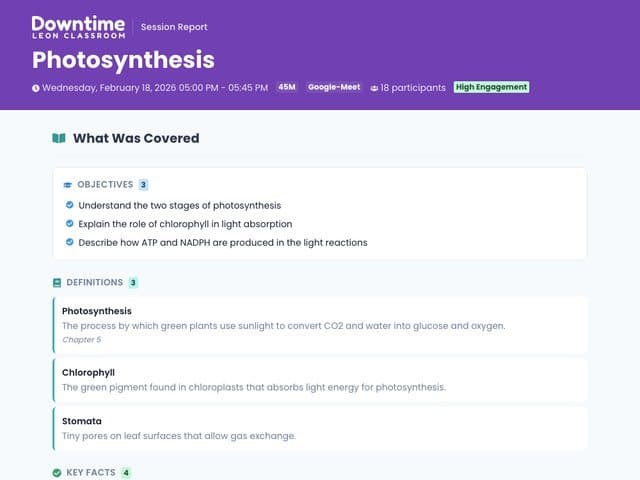
Notes - Photosynthesis
Real screenshot
The notes page, with each type in its own labelled section instead of one long list.
Objectives
What the lesson aimed to teach.
Key facts
The points worth remembering.
Definitions
Every term, explained simply.
Sequences
Steps and processes, in order.
Cause and effect
What leads to what, and why.
Comparisons
How two things are alike and different.
Formulas
Kept in their proper form.
Common mistakes
The errors students often make.
Not just notes. A whole set of study aids.
The same lesson also becomes a map, labelled diagrams, side-by-side comparisons, practice sets, and a searchable record - so every student has a way to revise that suits them, and you did not build any of it.
Screenshot
The lesson as one map - the topic in the middle, ideas branching off, ready to pan and zoom.
A Big Picture Map
The whole lesson as one map you can pan, zoom, and click - or switch to a plain list.
Screenshot
A labelled diagram of a sequence or a cycle, drawn from what you taught.
Labelled Diagrams
Sequences, cycles, and cause and effect drawn as pictures, not just written.
Screenshot
Two things side by side, with what each one has and what they share.
Side-By-Side Comparisons
When your lesson weighs two things against each other, they are laid out side by side so the differences stand out.
Practice Sets
Questions, fill-in-the-blanks, true-or-false, put-in-order, and more.
A Searchable Lesson Record
The transcript, your important quotes, and the lesson objectives - all searchable.
Not just games. Three modes, from warm-up to check-in.
You pick what the room needs - each mode built for one job, not one game stretched across all of them.
Tools

Run the room.
A 21-piece belt - timers, name pickers, group makers, noise meters, and more. Reach for any of them at any point in class, for any reason.
Games

Energize the room.
Built from your lesson, with real mechanics - power-ups, sabotages, upgrades, racing, cards. Start one when the energy dips and it gets the class focused again.
Activities

See what they remember.
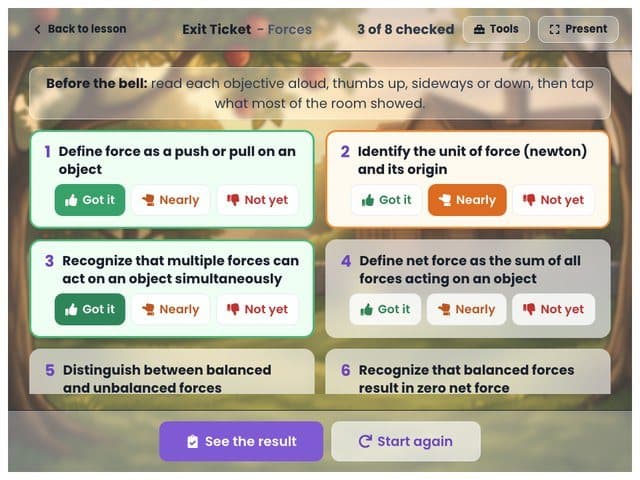
Content, not mechanics. Plain practice that shows you what they learned and what they missed - the assessment side, without turning it into a game.
Compared to the usual tools
Other tools
Downtime
Prep time
20-60 min
None
When to use it
End of class
Mid-lesson, whenever
Who runs it
You do
Runs itself
Where it comes from
A pre-made bank
What you just taught
As you reuse it
Gets repetitive
Adds what you just taught
Useful tools at your fingertips.
The little things that keep a class moving - timing, picking names, grouping, keeping the noise down - all in one place, so you never stop to open another app. And because they follow your live lesson, each one already fits what you are teaching.
Timers For Any Activity

Timers, a stopwatch, and countdowns keep any activity on time - a quick warm-up or a full test.
Pick Fairly

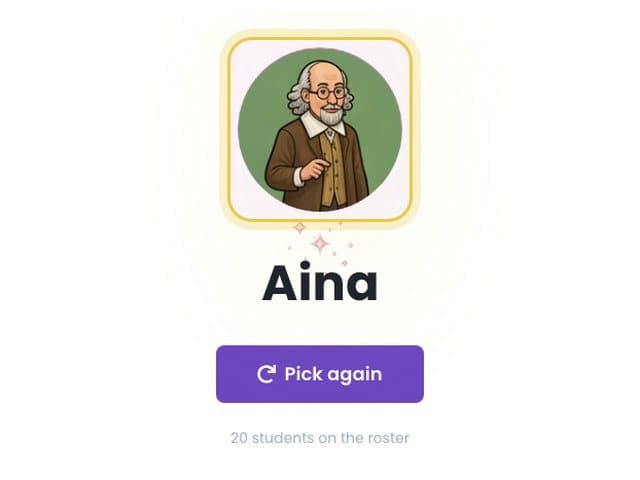
A random name picker chooses who answers, so the choice feels fair to everyone.
Group In Seconds

Team and group makers split the class any way you need, right away.
Keep The Noise Down

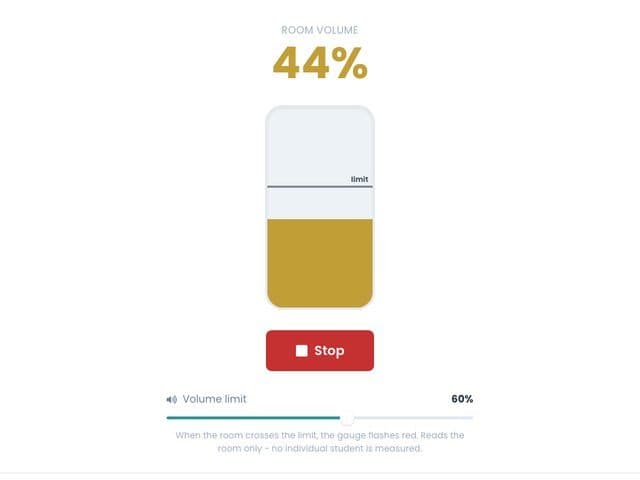
A noise meter and a voice level setting hold the volume during group work, no shouting.
Reward Good Answers

The react board plays a sound and fires confetti the second a student gets it right.
Little Extras, Handled

A calculator, unit converter, and scratchpad cover the small jobs, so you stay with the class.
The full belt
Teach in your language, or a mix of both.
Notes, questions, and read-aloud all come out in the language you taught - Bahasa Malaysia, English, or a mix - so the tool is never the reason a student cannot follow along.
It Follows Your Lesson

Notes, answer options, and definitions come out in the language you taught. Subject terms and formulas stay the same.
Made For Multilingual Classes

Switch between Bahasa Malaysia and English mid-sentence - the rojak most classrooms actually speak. The finished materials still come out in one clear language.
Pin It, Or Let It Detect

Set the language at the start, or leave it blank and it picks up the language from the words you use.
Read Aloud In A Matching Voice

Students tap to hear a question in a voice that fits the language, Malay included.
Every lesson, ready to print.
One click turns the class into a booklet - a Student Copy to hand out and a Teacher Copy with the answers already filled in - so you have a worksheet and its answer key in seconds, even on the days screens are not an option.
Printable booklet
Real screenshot
The Student Copy and Teacher Copy side by side - blank answer lines for students, answers filled in and an answer-key badge for you, with themed cover art from the lesson.
Student Copy And Teacher Copy

One click makes both - blanks for students, answers filled in for you, with an answer-key badge on the teacher pages.
Choose What Goes In

Practice, notes, and extras, each with a count. Tick what you want in the booklet.
Paper That Links Back Online

Each page can show a QR code to the online version, the class space, a game, the notes, or the map.
Mind Map And Label-The-Diagram

A one-page map of the lesson, plus diagram sheets with blank labels for students and answers for you.
Colouring Pages And One Art Sheet

Clean colouring pages for young learners, and one sheet of all the art drawn for the lesson - every character, scene, and prop.
For A Class With No Devices

The whole lesson on paper for a no-device room or a no-wifi day. Everyone still takes part.
See how the class actually went.
The moment class ends, you get a clear summary of the lesson - who understood, what the room missed, and the reports already written for you.
Lesson report
Real screenshot
The after-class report - how much of the class understood, a concept-by-concept breakdown, and the ready-made parent and leadership reports.
A Profile Of Each Student

For every student, it builds a map of what they know well and what they do not. Numbers for you to read, never a judgment.
It Updates Live

The class summary updates mid-lesson, so you can revisit anything before class ends.
What The Class Got Stuck On

It notes where the class got confused, what you re-explained, and the questions students asked.
Every question, checked - and yours to change.
Quiet checks run on every one, and each item is tagged with where it came from and how hard it is - so you can trust it, review it, and add to it.
Turn On Fact Check

Switch it on and it checks your lesson and marks likely mistakes - a wrong date, number, or name - as review cards to accept or dismiss.
No Unfair Questions

It removes options that could also be right, checks the true-or-false ones, and removes fill-in questions with more than one right answer.
Only What You Taught

It builds from what you actually said, ignores the jokes and side comments, and never invents facts.
See Where Each Item Came From

Every question links to the point in your lesson it came from, so nothing is a mystery.
Tagged By Difficulty

Each item is labelled easy to hard, so you can see the mix quickly and adjust it.
Add To Any Set, Anytime

Reword a set into new versions whenever you want more, without starting over.
Ignores Off-Topic Chatter

It filters out off-topic chatter and trick words from the room, so they do not shape the materials it makes or the questions it asks.
Built to just work.
You teach. Downtime quietly handles the things that used to go wrong - and plenty more you will never notice.
It Fixes Its Own Mistakes

If a game or a graphic comes out wrong, it rebuilds it right away. You get the working version, not the broken one.
Playable Even Early In Class

Launch a game before you have covered much and it fills the gaps, so there is always something to run.
Sixty Students, Handled

For a live game, it splits a big class into separate game rooms on its own, so everyone gets a turn.
Your Old Lessons Never Change

When Downtime improves, the sessions you already made are never rebuilt, changed, or charged for again.
Good for the whole classroom, and the whole school.
One tool that works for the people in the room and the people responsible for them.
For Students

Class feels like the subject, not a slideshow.
Inside the world of the lesson, not on slides
Work at a level that fits them
In the language you teach in
Open it again at home, free
For Teachers

No prep, no marking, no late nights.
Teach the way you always do
The notes and games build themselves
It marks the work for you
Your name is on all of it
For School Leaders

True transparency into every class - the insight to steer teaching forward.
See into every class session, not just the results
Spot what is working across the school
Turn it into strategic academic decisions
Parent and leadership reports, written for you
No student ever came to class for an app. They came for you.

Skippy never takes the front of the room.
It lives on a screen, not at the whiteboard. It listens while you teach and builds the materials around your lesson. It never runs the class. You do.

It does not plan your lesson or decide how you teach.
It works from the lesson you give. It does not write the plan or run the room. The teaching stays yours.

All it gives you back is your time and your evenings.
Those evenings you were about to lose to worksheets? That is the downtime we are named for.
One plan. Everything included.
No tiers to compare, nothing held back. Your first 5 classes are free - no card needed.
For every teacher
RM 69.90
/month
No card to start. Cancel anytime.
Unlimited classes, all year round
Every material and mode - notes, maps, diagrams, printables, games, and activities
Up to 60 students in a class
In any language you teach in
Everything you make stays yours to keep
Priority support and the teacher community
Running a school or centre?
Custom plans with admin tools, reporting, and centre-branded rooms for your team.
Get your evenings back and keep hold of your sanity. We think that is a good deal.
Questions, answered plainly.
The things teachers actually ask before their first class.
The questions before your first class
Don't. Keep Kahoot for Friday fun. This is not a quiz game. It is what happens to the lesson the other four days: the room becomes the subject, your lesson turns into notes and practice, and the questions quote what you said in the room minutes ago. Built while you teach, not the night before.
The opposite. You teach exactly as you do now. Skippy's only job is to turn what you said into the class's materials. It never plans the lesson and never tells you how to teach. Your name is on the cover, not ours.
Keep them. They do a different job. A bank was written for a generic class before your lesson existed. Skippy writes from the lesson you just taught, in the words this class actually heard.
You don't need one per student. One screen up front runs the room. Every lesson also comes out on paper - a Student Copy and a Teacher Copy. Or skip the phones entirely and play the whole class on the projector or whiteboard. Everyone still plays.
Only your device needs a connection, not a whole room of them. On a day with no wifi, the same lesson still goes home on paper.
Skippy listens while you teach and builds the materials from what you actually say in the room. Never a bank someone made before your class existed. Live, while you talk.
No catch. Your first 5 classes are free, no card. After that it is one simple monthly plan. Nothing you have already made gets locked away, and the students' side is always free.
Students and devices
When you launch a game, a join link pops up for the class. They click it, type a first name, and they are in. No app to download, no account to make, no login. Nothing to install and nothing to remember.
Anything with a web browser and a connection - phones, tablets, laptops, Chromebooks. Nothing to install. Most students just use their own phone. And if a student has none, the whole class plays on one screen up front.
Up to 60. For a bigger class, Skippy splits them across several game rooms so everyone gets more turns and the games stay fun and fair.
Yes to both. A student can join a game already running, and if one drops - lost signal, phone locked - they rejoin and continue right where they were. Reconnecting handles itself.
Neither, it works for both. In the room, press start and teach. Online, paste your Zoom, Meet, or Teams link and Skippy listens through the call. Same result either way.
How it works and what it makes
Other tools turn the quiz into a game. Skippy puts you inside the subject - the room becomes the reef, the Colosseum, whatever you are teaching. A library serves everyone's lesson. This serves yours: the whole set is built from the lesson you are teaching right now, not pulled from a bank made before your class existed.
Notes of what you covered. A mind map of the lesson. Practice - questions, fill-in-the-blanks, true-or-false. A printable booklet to send home, as a Student Copy and a Teacher Copy. Activities and live games. All of it built from what you actually said in the room, while you were saying it.
Yes. Science, Maths, English, History, Geography, whatever you teach, in whatever order. No subject limits. Skippy builds from what you say, so if you can teach it, it can build from it.
Yes. Teach the ocean and the room becomes a coral reef. Teach Rome and it becomes the Colosseum. The world is themed to the exact lesson, so students are inside the subject instead of just watching a slide. Built live, while you teach.
You pick - 3, 5, 7, or 10 minutes, 5 by default. It fits the rounds and questions to the length you chose. Short for a warm-up, longer when you want to see who really knows it.
Yes, as many as you want in one session. Each new one uses only what you covered since the last, so it stays fresh and never repeats a question.
It builds from whatever you have covered so far. If very little has been covered yet, backup material keeps the game playable and on-topic.
From lower primary through upper secondary and beyond. You set the age group when you start, and the difficulty, pacing, and visual style follow it.
Recording and privacy
No. Skippy listens to build the materials, not to keep your students. They never sign in, never make an account - they join a link with a first name only, and session data expires. There is no student profile sitting on a server anywhere. It is built this way on purpose, which keeps PDPA simple.
They never make an account and never log in. They join with a link, first name only, and session data expires. No password to leak because there is no account to create. That is a design decision, not a setting you have to find.
Yes. Access, correct, or delete your personal data whenever you want. Email support@leonclassroom.com and we will handle it.
Language, price, and plans
Yes. Teach in Bahasa Malaysia and the notes, instructions, and read-aloud come back in Bahasa Malaysia, in a Malay voice. It follows your lesson, not the other way round. Not an English tool with a translate button added on.
Your first 5 classes are free, nothing held back, no card. After that, a subscription lets you turn new classes into materials. Everything you have already made - booklets, worlds, notes - stays yours to open forever, and the students' side is always free.
You will be asked to subscribe to keep turning new classes into materials. Everything you already made stays yours - you just cannot start a new class until you subscribe. Nothing you built gets taken away.
Yes, whenever you like. It takes effect at the end of the current billing period, so you keep access until then. No extra steps.
Card, processed securely through Stripe, plus local options like FPX and e-wallet where they are available.
Yes. Put several teachers on one bill, with center-branded rooms, printables, and student hubs. Contact us and we will build a plan that fits your center.
You became a teacher for the Aha! moments.
Not for the worksheets. Not for the grading at 11pm. Skippy takes the making and the grunt work, so you get back the part of teaching that made you want to teach.
Start free
First 5 classes free. No card.